5:4 Aspect Ratio Calculator
Working with an older monitor or a nearly square image? Enter the width or height below and this 5:4 aspect ratio calculator finds the matching size, including the classic 1280x1024 (SXGA) resolution.
What is the 5:4 Aspect Ratio?
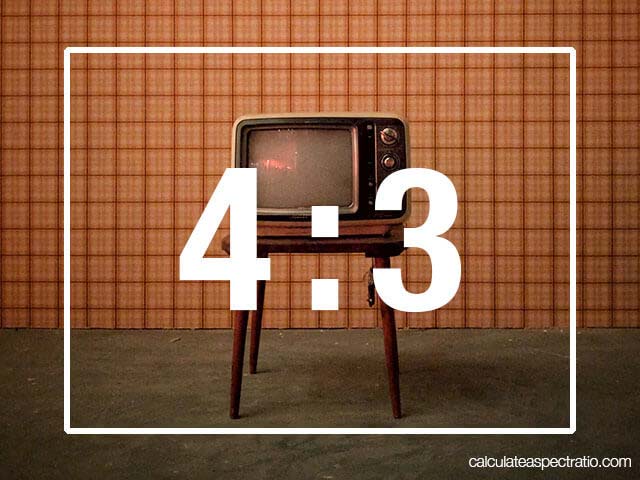
The 5:4 aspect ratio is a nearly square rectangle, slightly wider than it is tall (1.25:1). It sits between the perfect 1:1 square and the 4:3 of old TVs and monitors.
Its most famous face is the 1280 x 1024 LCD monitor, the office standard of the 2000s. 5:4 is also just the 4:5 ratio turned on its side, so it shares its shape with portrait prints like 8 x 10.
Common 5:4 Resolutions
- 400 x 320 (small legacy display)
- 640 x 512 (early LCD)
- 800 x 640 (SVGA-class LCD)
- 1000 x 800 (compact 5:4)
- 1280 x 1024 (SXGA, classic 17-inch and 19-inch LCD)
- 2560 x 2048 (hi-res 5:4)
To check any pair of numbers, divide the height by the width: 1024 ÷ 1280 = 0.8, the 5:4 signature.
Where You See 5:4
- Legacy monitors and projectors: 1280 x 1024 was one of the most common display modes for over a decade.
- Industrial and embedded screens: Kiosks, control panels and medical displays still use 5:4 panels.
- Landscape prints: An 8 x 10 print turned sideways (10 x 8) is exactly 5:4; portrait 8 x 10 is 4:5.
Modern 16:9 content on a 5:4 screen shows letterbox bars top and bottom because the screen is much squarer than the video. Use the calculator above to fit any new size to the screen exactly.
5:4 FAQ
What is 5:4 in pixels?
1280 x 1024 (SXGA) is the classic 5:4 resolution. Any size where the height is 0.8 times the width is 5:4, like 1000 x 800 or 2560 x 2048.
Why was 1280x1024 so common?
It reused VGA-era timings and fit cheap 17-inch and 19-inch LCD panels, so it became the standard office monitor resolution of the 2000s.
Is 5:4 the same as 4:5?
They are the same shape in different orientations: 5:4 is landscape (like a monitor) and 4:5 is portrait (like an Instagram post).
Why do 16:9 videos show black bars on a 5:4 screen?
16:9 video is wider than a 5:4 screen, so the picture is letterboxed with black bars above and below to avoid distortion.